Some of the icons you’re familiar with from your desktop work a little differently on a smartphone.

For example, you can access “Messages” and “Contacts” via the menu in the top-right corner (three dots).

When you select one of these options and tap “Contacts,” for example, you’ll be taken to the corresponding page.
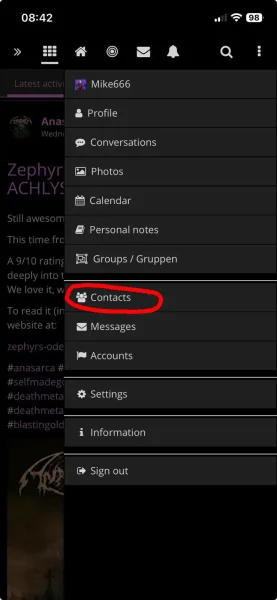
Smartphone_Contacts

„Groups“ can also be accessed via the menu in the top right corner (three dots).

Smartphone_Groups

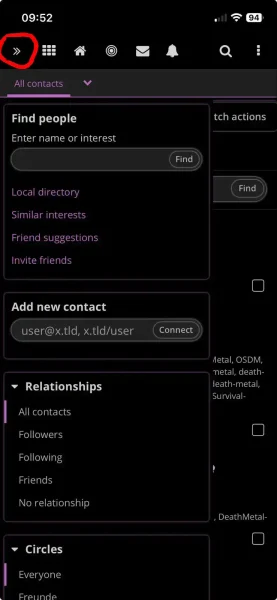
If you then use the main menu (two arrows), you’ll see the submenu for that page—in this case, “Contacts.”

The menu in the top-left corner is always the (sub)menu for the current section!

Menu2_mobile_en 2